Every store screenshot size, including iPhone Duo, in one ZIP.
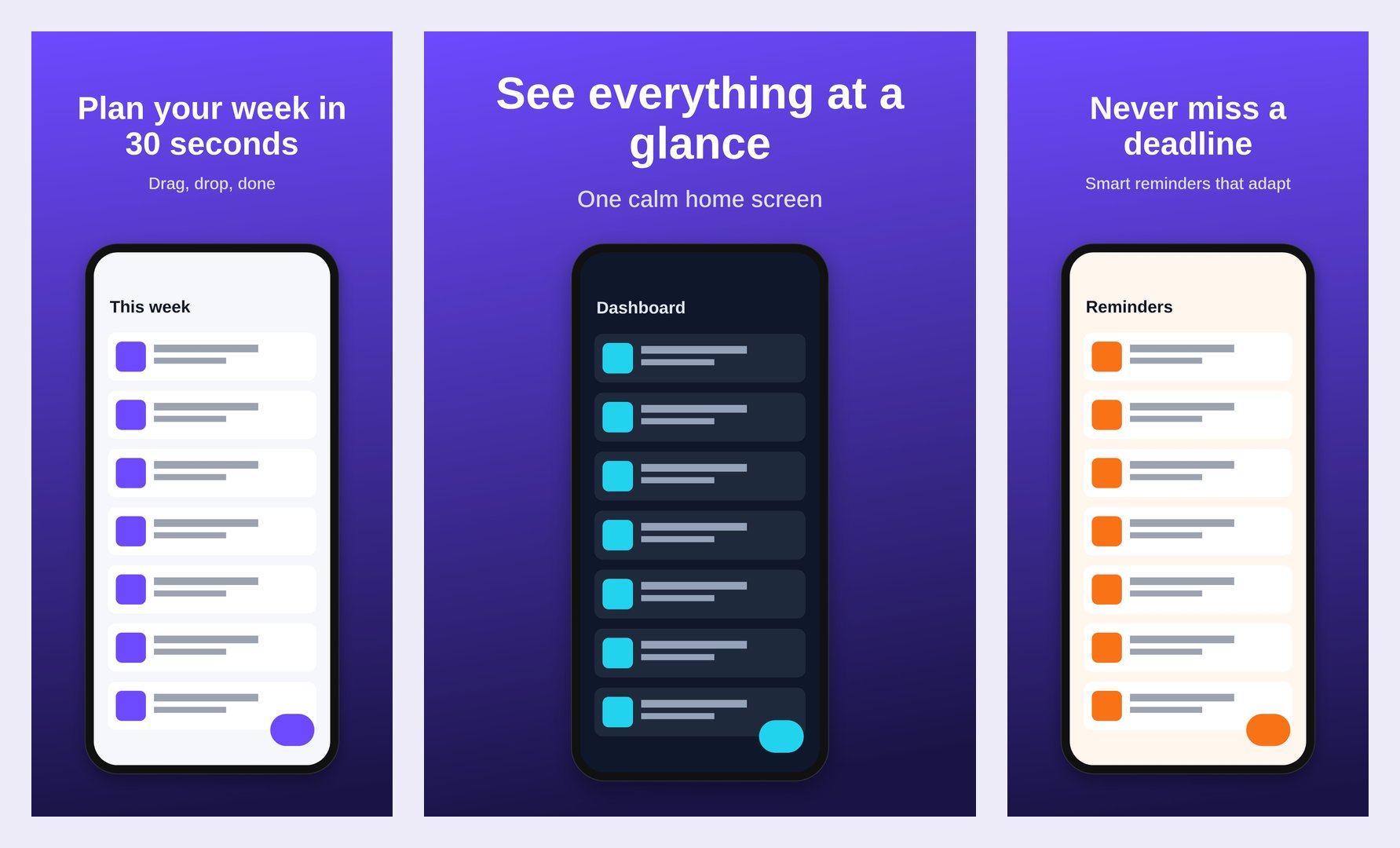
Drop in your raw simulator screenshots, write one caption per screen, and download store-ready images for App Store Connect and Google Play. Each language gets its own folder. It runs in your browser, so your unreleased app never leaves your machine.
Why this exists
Apple added new sizes again
App Store Connect now takes iPhone Duo screenshots: 1398×2034 for the outer display and 2007×2853 for the inner. They're required for submissions from April 2027, and apps that include them get an iPhone Duo badge now.
The last 10% of shipping eats a day
The code is done, then you lose an afternoon in Figma resizing frames for every device and language. Shotsmith re-lays out one design for every size at once.
No more rejected uploads
Everything exports as JPEG with no alpha channel, at Apple's and Google's exact pixel sizes, named and foldered by locale and device.
Sizes in every export
| Store | Display | Pixels (portrait) |
|---|---|---|
| App Store | iPhone Duo, outer displayNEW | 1398 × 2034 |
| App Store | iPhone Duo, inner displayNEW | 2007 × 2853 |
| App Store | iPhone 6.9″ (Dynamic Island, large) | 1320 × 2868 |
| App Store | iPhone 6.3″ (Dynamic Island, medium: the required set) | 1206 × 2622 |
| App Store | iPhone 6.5″ (Face ID, large) | 1284 × 2778 |
| App Store | iPad 13″ | 2064 × 2752 |
| Google Play | Phone | 1080 × 1920 |
| Google Play | 10″ tablet | 1600 × 2560 |
| Google Play | Feature graphic | 1024 × 500 |
Pixel sizes are taken from Apple's App Store Connect screenshot specifications and Google Play Console guidance, as of November 2026.
Pricing
Free
- Every size, every language, ZIP export
- Runs in your browser, nothing uploaded
- Small "Made with Shotsmith" watermark on each image
Pro
- No watermark, ready for the store
- A single offline file: open it on any computer, no internet needed, no account
- Use it on unlimited apps, forever
- Free updates when Apple or Google add sizes
FAQ
Do my screenshots get uploaded anywhere?
No. All rendering happens in your browser on a canvas, and the ZIP is built locally. There is no server-side processing at all.
What do I get when I buy?
Instant access to the Shotsmith Pro download on Whop: one HTML file you open in Chrome, Safari, Edge or Firefox. It has the same editor as the free version but no watermark. Keep it, back it up, use it offline.
Will App Store Connect accept the files?
They're exported at the exact sizes in Apple's specification table, as JPEG (sRGB, no alpha channel, so no transparency rejections). As always, the content itself still has to follow App Review Guideline 2.3 on accurate screenshots.
Can I do landscape or a custom size?
Not yet. Portrait sizes plus the Play feature graphic are covered today. Landscape sets are next.
Refunds?
If it doesn't do what this page says, ask through Whop within 14 days for a full refund.